What is TopFollow APK really for?
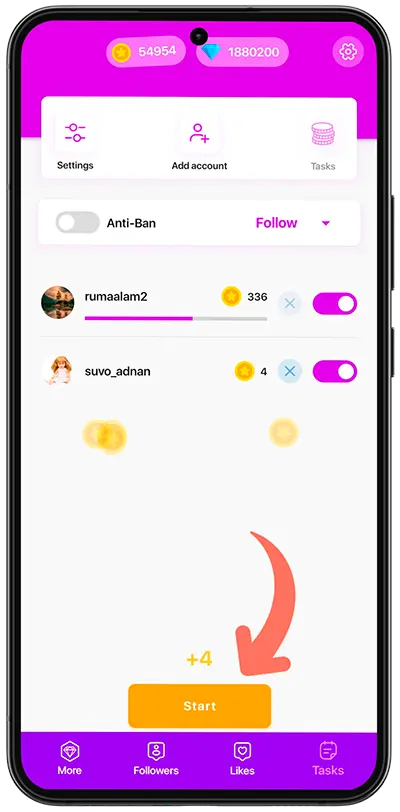
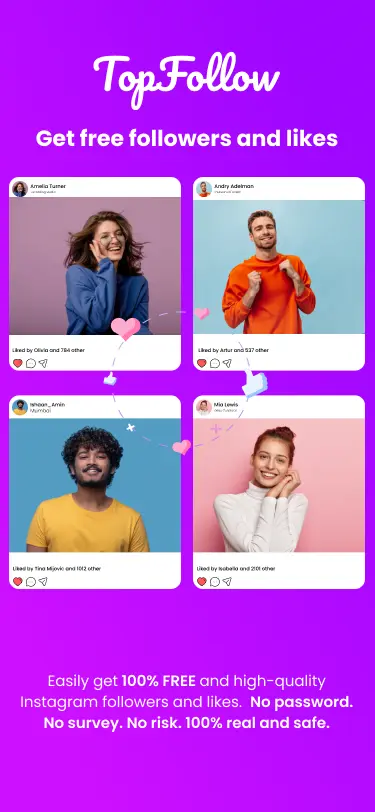
TopFollow APK is built for Instagram users who want a simple Android app for small, steady profile growth without handing over a password. It is not a magic button and it is not a paid ad platform. The app works best when you treat it as a coin-powered growth tool: you collect coins through quick actions, then use those coins to send followers or likes to the profile or post you care about.
That makes it useful in a few very specific moments. A new creator can make an empty profile look more active before sharing it with friends. A page owner can add early likes to a fresh post so the content does not look abandoned in the first hour. A small brand can test which photo, caption, or reel gets the best reaction before spending time on bigger promotion. In each case, the goal is the same: give good content a stronger starting point.
Followers and likes also do different jobs. Followers help the profile look established when someone checks the account for the first time. Likes help one piece of content feel alive while it is still new. Keeping those jobs separate makes the app easier to use: send followers when the profile needs trust, and send likes when a post needs early activity.
Use it with a real profile, not instead of one
The strongest results come when your Instagram page already looks worth following. A clear profile photo, a public account, a short bio, and a few recent posts make every follower order work harder. TopFollow can help with visibility and social proof, but it cannot replace content people actually want to see. If the profile is private, empty, or confusing, new visitors have fewer reasons to stay.
Why the official APK matters
Android APK files are easy to copy, so unofficial mirrors can be risky. Many users search for TopFollow mod APK, but a fake or outdated build may send you to the wrong service, add unwanted ads, or break when Instagram changes. Using the official TopFollow APK download page keeps the version, file size, and install notes in one place. It also gives you the safest path back to support pages, privacy information, and the latest update when a new release is available.
Because this is an APK install, Android may show a normal warning before opening the file. That warning does not mean the app is broken; it means the phone is asking you to confirm an app from outside the Play Store. Reading the download guide first helps you understand the file size, Android requirement, and install flow before you start.
For most users, the best approach is simple: install the current APK, keep your main Instagram account for orders, use spare accounts for earning coins, and grow at a pace that looks natural for your niche. That keeps the experience practical instead of noisy, which is exactly what this page is designed to help with.